

Dodo Payments integration
Connect Dodo Payments to Fernand to see customer and payment context alongside support conversations. Check a customer’s plan, purchases, and status without switching between tools, and use that information to route conversations with rules.

What you can see
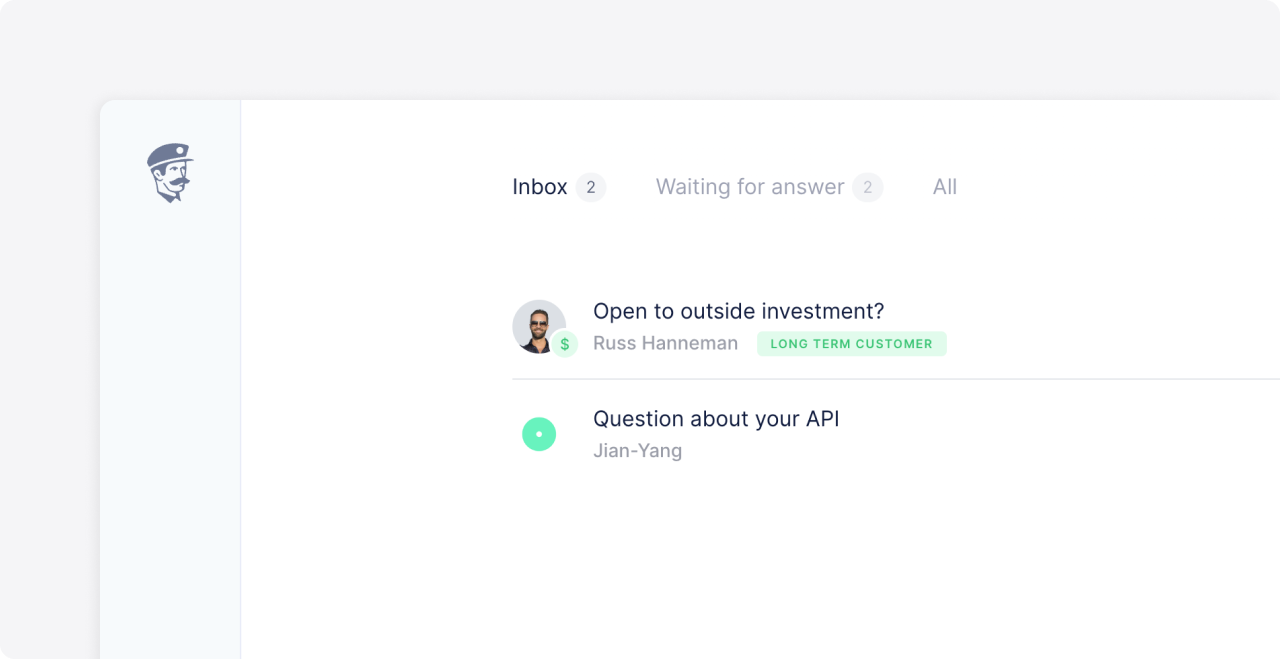
Once connected, Fernand matches people who write in to their Dodo Payments customer records. Their customer status, plan, and purchases appear in the conversation list and sidebar.
Connect Dodo Payments
In Fernand, go to Settings → Integrations. You can also press
G, thenS.Select Dodo Payments and click Connect.
Authorize Fernand in Dodo Payments.
Fernand will start syncing customer and subscription data to matched conversations. You can disconnect Dodo Payments at any time from the Integrations page.
Use Dodo Payments data in rules
Use Dodo Payments customer and plan details to shape your support workflow. For example, you can route customers on a particular plan to a priority inbox, tag paying customers, or send a webhook when a condition matches.
Rule conditions include:
Contact is a customer
Contact has paid plan
You can combine these conditions with rule actions such as replying, tagging, assigning, changing conversation status, or even sending a webhook.
Does the integration cost extra?
No, it's included from the free plan, and keeps accompanying you all the step of your journey. There is also no setup fee, just connect and enjoy!