

Slack Connect integration
Slack Connect is useful for keeping close relationships with customers, but it is hard to manage as a support channel. Messages go unread, ownership is unclear, and important requests get buried in threads.
Fernand turns your Slack Connect channels into structured conversations. Every customer message appears in your shared inbox alongside emails and live chats, so your team can see, assign, and act without losing context.
How slack connect works
Fernand syncs your Slack Connect channels directly into your inbox. Each thread becomes a conversation your team can manage like any other support request.
Customers continue using Slack as usual. There is no change on their side. Your team gets structure and visibility on your side.
What you can do from the inbox
Assign conversations to a teammate
Add tags and close conversations when done
Write replies with AI assistance
Leave internal notes that customers cannot see
Apply rules to route and prioritize messages
Access full customer context and history
Automation and routing
Rules apply to Slack conversations the same way they do for other channels. You can route messages based on channel, keywords, or sender.
This helps you triage faster and avoid missed requests.
Customer context
Each conversation includes a sidebar with customer data, past conversations, and any custom data you track.
This keeps replies fast and informed without switching tools.
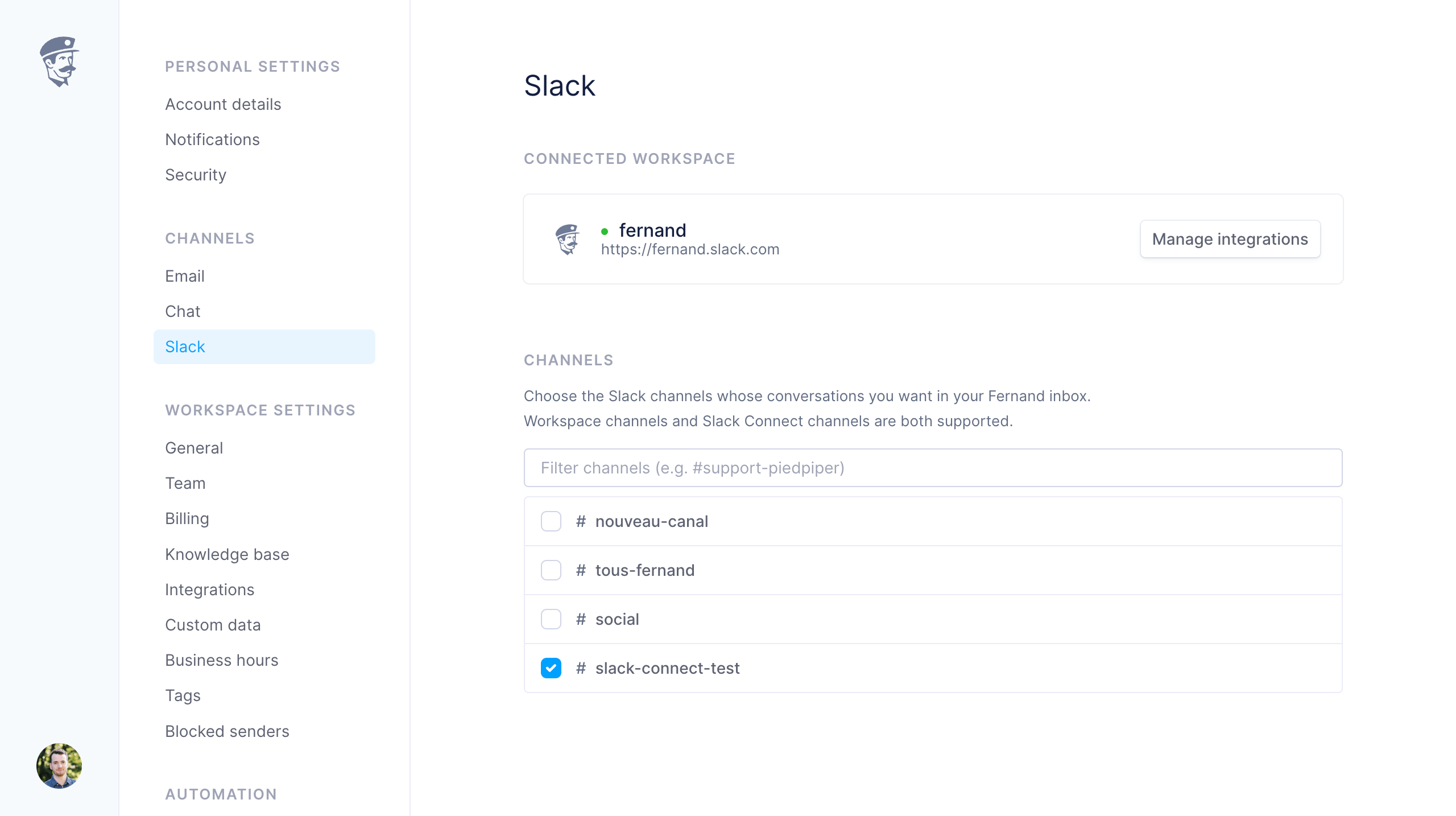
Connect slack
Open Settings > Integrations
Select Slack
Connect your workspace and choose channels